Aaron's chest quest guide
Gothic 1 Remake Aaron's Chest: How to Open It and Fix the Quest
The reliable Aaron chest route is a dialogue-and-key quest, not a universal lock code. Follow the Snipes conversation in order, confirm which chest interaction you see, and treat a stuck quest or unexpected plate lock as a state mismatch to diagnose.
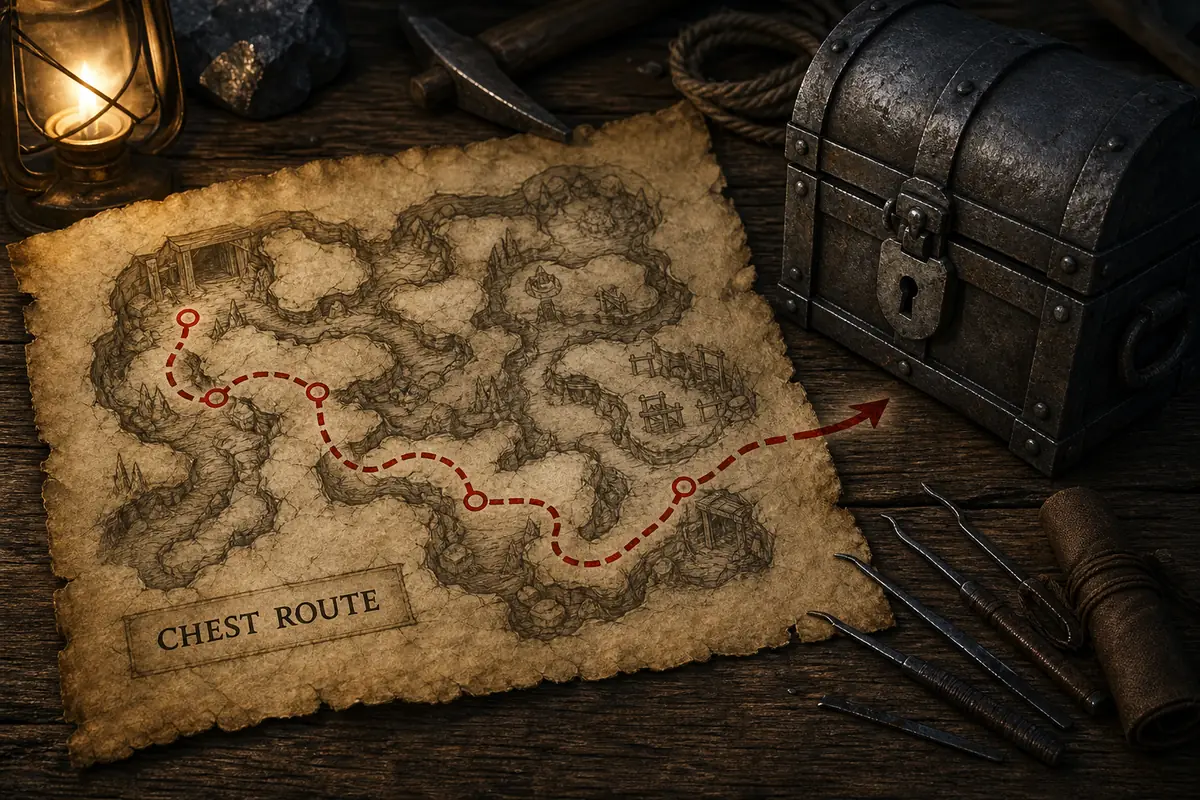
Quick answer: use the Snipes dialogue order, then buy the chest key
For the Gothic 1 Remake Aaron chest, start with Snipes and keep the conversation sequence intact. The common walkthrough route is to accept Snipes's request, send Aaron away with the message that Ian wants him, return to Snipes, collect the small reward, and then buy the key that opens Aaron's chest. The exact dialogue labels or ore amounts can vary with localization and quest state, so use the visible objective and your save as the final check.
If Aaron's chest still will not open, do not jump straight to a copied lockpick code. First ask whether the key was actually obtained, whether the chest interaction is the key prompt described by the guide, and whether you changed the dialogue order. Only use the browser solver when your game shows the linked-plate lock interface; a key-gated chest and a live plate lock are different problems.
Open the chest solverIdentify the right Aaron chest before trying to open it
The phrase Aaron's chest is specific enough to deserve its own guide, but it is still easy to confuse the quest object with a nearby container. Start with the NPC and quest context: Aaron should be part of the Snipes-related conversation, and the chest should be the container your objective or dialogue points you toward. Write down the nearby room, the NPC you last spoke to, and the exact interaction prompt before you spend ore or lockpicks.
This identity check matters because a search for Aaron's chest can mix three different questions. Some players need the route through the conversation. Others have reached the container but do not have the key. A third group sees a lock interface and assumes that the chest must have a public combination. These questions share a name but need different evidence, so the rest of this page keeps them separate.
Use the broader chest-locations guide for area orientation and the Old Mine checks page when the search has shifted to a mine route. This page owns the Aaron-specific quest and key boundary; it is not meant to replace the generic map, lockpicking, or solver pages.
The Aaron chest dialogue and key order
Most current walkthroughs describe the Aaron chest as part of a short deception-and-key sequence involving Snipes. The safest way to follow it is to use the objective text and confirm each state before moving on. If a line is missing, do not improvise by stealing the chest or buying an unrelated key; reload the last clean checkpoint and restore the conversation order.
The ore amounts often reported by guides are useful as a clue, not as a promise for every localization or quest state. A common route gives a small payment for completing the message step and then asks for a larger payment for the chest key. If the numbers or dialogue differ, the important verification is whether your inventory received the key and whether the objective changed—not whether a video used the same amount.
Once the key is in your inventory, return to the chest and look at the interaction prompt. A correct key route should not require you to guess a plate sequence. If the prompt still says that the chest is locked, confirm the key item, the exact container, and the last quest state before treating the problem as a bug.
| Step | What to do | What to verify |
|---|---|---|
| 1. Start the request | Speak with Snipes and accept the Aaron-related task | The objective or dialogue clearly references Aaron |
| 2. Move Aaron | Deliver the message that Ian wants to speak with him | Aaron leaves the position that blocks the next conversation state |
| 3. Return to Snipes | Speak with Snipes again after Aaron has moved | The reward/key conversation becomes available |
| 4. Buy the key | Use the chest-key option if your dialogue offers it | The key appears in the inventory; record the amount only as a local clue |
| 5. Open the chest | Return to the quest chest and interact with it | The prompt accepts the key instead of opening a plate puzzle |
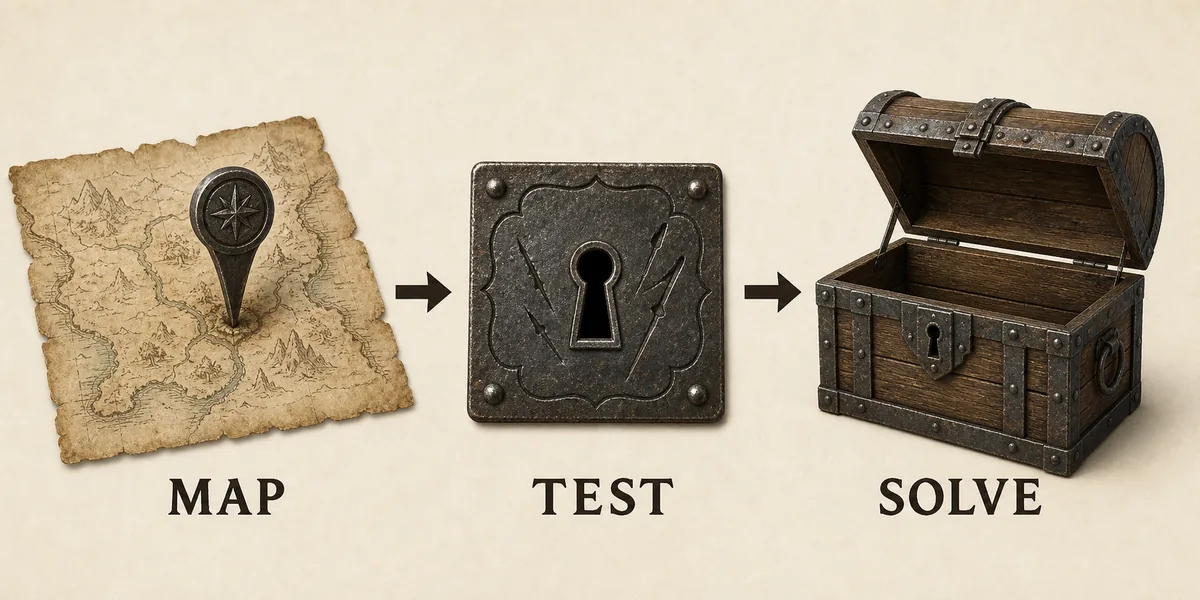
How to fix the Gothic 1 Remake Aaron chest quest when it is stuck
The phrase Gothic 1 Remake Aaron chest bug is usually a symptom report rather than a diagnosis. A stuck objective can come from speaking to the right NPC at the wrong time, moving Aaron before the intended line has finished, opening or attempting to steal the chest before the key state exists, or loading a save made between two dialogue triggers. Treat the first missing state as the problem to repair.
Use a clean recovery loop. Reload a save from before the Snipes conversation, speak to Snipes, complete the message step, wait for Aaron to move, return to Snipes, and confirm the key dialogue. After every step, check the objective and inventory. If the key is absent, the quest has not reached the chest-opening state, even if the chest is visible.
If you no longer have a pre-dialogue save, document the exact state instead of promising a guaranteed console or lockpick fix: which NPCs have moved, what the objective says, whether the key is in the inventory, and what prompt appears at the chest. Community reports can reveal a build-specific issue, but a report for a different state is not proof that your save is broken.
| Symptom | Check first | Safe response |
|---|---|---|
| Snipes has no useful line | Aaron's position and the previous objective | Reload before the conversation and finish the current task in order |
| Aaron chest is visible but locked | Key item and exact chest identity | Return to Snipes; do not spend lockpicks on a key-gated prompt |
| Key is present but the objective is unchanged | Whether the key was bought in the intended dialogue state | Reload a clean checkpoint and compare the objective after each conversation |
| A copied fix does nothing | Build, language, quest state, and first interaction | Treat it as a state mismatch and record the live evidence |
| No earlier save exists | NPC positions, inventory, and objective text | Keep a concise report for a community source or future patch check |
Aaron's chest key or lockpick puzzle: tell the two apart
A key prompt and a linked-plate lock are not interchangeable. A key prompt means the missing information is quest progression or inventory access. A plate interface gives you a measurable current state: visible plates, holes, and reactions when one plate moves. This distinction is why the search term Aaron chest lockpick should lead to a decision check, not an automatic fixed combination.
If the chest accepts the Aaron key, follow the quest route and stop there. If the game instead opens a linked-plate view, take a screenshot or written record of the starting holes, plate count, and direction convention. Then perform one controlled movement and note every plate that changes. Do not combine that observation with a sequence from another named chest or another save.
A public answer can be useful only when its chest identity, starting vector, plate count, and first reaction match your screen. If the first reaction differs, reset and use the browser solver from the live state. The solver is designed for this exact boundary: it calculates from observations rather than pretending that every chest with Aaron's name shares one hidden code.
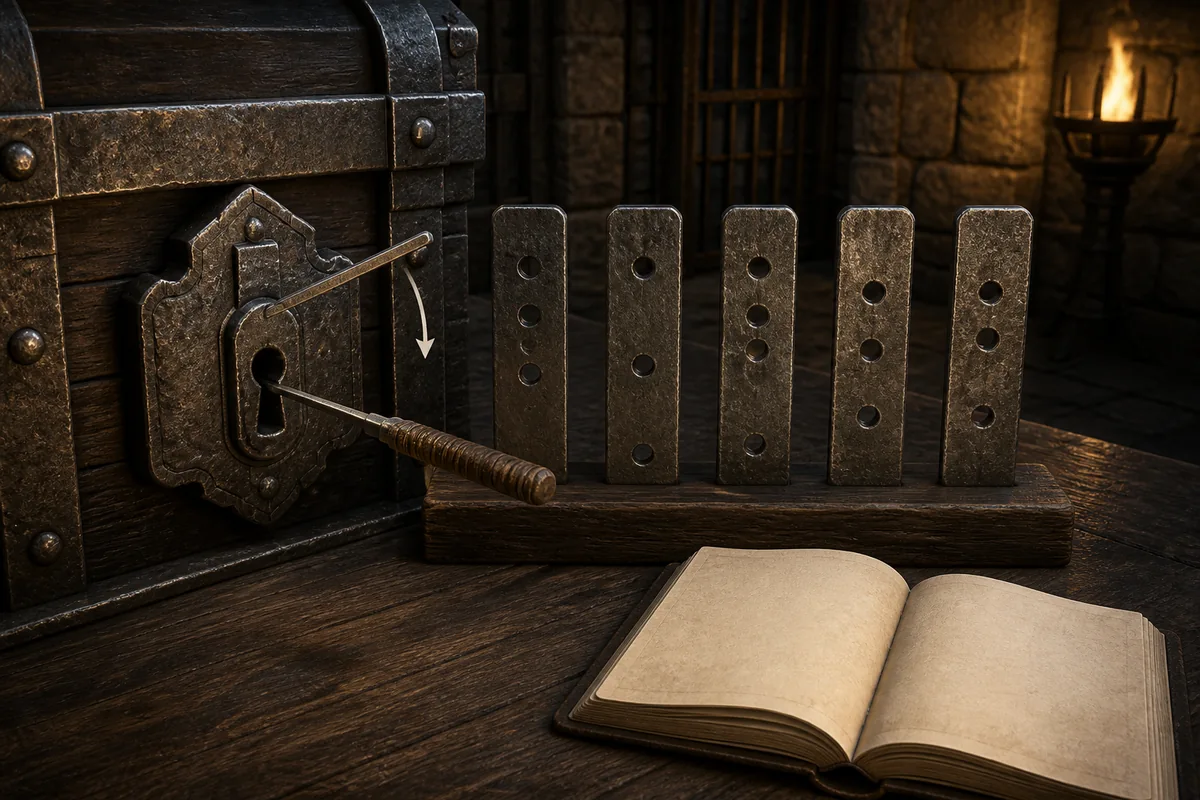
What to record if Aaron's chest really opens a lock interface
Start from a clean state and record the plate count plus the current hole for each plate from back to front. Keep the order consistent with the chest solver. Write down whether the game uses left/right or A/D, because reversing the direction convention can make a valid route look wrong even when the observations are correct.
Next, move exactly one active plate once. Record every changed plate and whether it moved in the same direction, the opposite direction, or not at all. The first reaction is the most valuable checkpoint. If you see a different relationship from the guide you were following, stop and remap; later steps depend on the same starting vector and relationship map.
The result is an auditable observation record rather than a story about what the chest is supposed to do. Save the build or mod context beside it when the result matters. That makes it possible to compare a later patch, a different language, or a different save without silently merging incompatible evidence.
Aaron / NPC state / key prompt or plate prompt / plate count / start holes / one-step reactionsA short Aaron chest recovery checklist
Before calling the quest broken, answer five yes-or-no questions: Did Snipes give the task? Did Aaron move after the message? Did you return to Snipes after that movement? Is the chest key in the inventory? Does the chest show a key prompt or a linked-plate interface? These answers usually identify the missing branch faster than searching for another generic code.
If the first four answers are not all yes, stay on the quest path. If they are yes but the chest still rejects the key, confirm that the key belongs to Aaron's chest and that you are not at a nearby container. If the fifth answer is a plate interface, stop treating the situation as a key quest and use the live lock workflow instead.
This separation also keeps future updates manageable. A patch can change a dialogue trigger without changing the lock mechanic, and a community guide can report a lock state without proving a quest reward. Keeping the evidence tied to the layer it actually supports prevents an honest report from becoming a misleading universal fix.
What the sources can and cannot prove
Community walkthroughs are useful for reconstructing the Snipes-to-key order and for locating the chest in the quest flow. They are not official patch notes, and they may reflect one localization, one build, or one save. Read the dialogue order as a reproducible hypothesis, then verify the key and objective in your own game.
The official Steam listing is useful for the game's identity and broad setting context, but it does not document Aaron's individual chest state. Gothic.Tools and other guide databases can provide a narrow chest reference, while Steam Community reports can surface bugs or mismatches. Their roles should remain explicit: official context, guide hypothesis, or player report.
For that reason, this page intentionally avoids promising an exact reward list, a console command, or a single Aaron chest combination for every player. The useful answer is the shortest verified route for your current quest state, plus a way to collect evidence when that state diverges.
Aaron's chest FAQ
How do I open Aaron's chest in Gothic 1 Remake?
Follow the Snipes dialogue route: accept the request, send Aaron away with the intended message, return to Snipes, obtain the chest-key option, and then use the key on the correct chest. Confirm the key in your inventory before trying the container again.
Where is the key for Aaron's chest?
The key is tied to the Snipes conversation after the Aaron message step, rather than being a universal loot item that you can assume is already in a nearby container. If the key dialogue does not appear, reload before the conversation and verify Aaron's position and the objective state.
Why is the Gothic 1 Remake Aaron chest quest stuck?
The usual possibilities are an out-of-order conversation, Aaron not reaching the expected position, a save made between dialogue triggers, or a missing key state. Check the objective and inventory after each step. If you lack an earlier save, record the exact NPC, objective, key, and chest-prompt state before relying on a community bug report.
Does Aaron's chest have a fixed lockpick code?
Do not assume a fixed code. The normal quest route is key-based. If your game shows linked plates instead, record the live plate state and first reaction; use the chest solver only after confirming that the interface is a real lockpicking puzzle.
What should I do if I cannot complete Aaron's chest quest?
Reload a save from before the Snipes conversation and repeat the message-and-return order while checking the objective and inventory. If no clean save exists, document the current state and compare it with a source that matches your build and interaction prompt instead of trying unrelated chest codes.
Should I use the Gothic chest solver for Aaron's chest?
Use the solver when the game displays the linked-plate lock interface and you can record its starting holes and reactions. Use the quest guide, map, or key checks when the game is asking for progression or a key.
Is this an official Aaron's chest guide?
No. This is an independent fan-made guide. Official game context is separated from community walkthroughs and player reports, and the page does not claim a universal reward or lock code.
Summary
For the Gothic 1 Remake Aaron chest, follow the Snipes dialogue order, confirm that the key is actually in your inventory, and use it on the correct quest chest. A visible container is not proof that the quest has reached its opening state.
If the quest is stuck, reload before the conversation and check Aaron's position, the objective, the key, and the interaction prompt one at a time. If a linked-plate interface appears, switch from quest troubleshooting to a live lock record and use the solver only from that state.
Use the chest-locations hub for route context, the lockpicking guide for general mechanics, and the browser solver for an observed lock. This page adds the Aaron-specific dialogue, key, and recovery boundary without inventing a universal code.
Sources and verification
- Gothic.Tools Aaron's chest guideCommunity walkthrough checked for the Aaron/Snipes quest and key sequence on September 21, 2026; not an official source.
- Colony Guide: Aaron's ChestCommunity quest reference checked for dialogue order and the key-gated chest boundary; verify amounts and wording in the current save.
- Steam Community Aaron chest discussionPlayer report reviewed for stuck-quest symptoms; community evidence is build- and save-dependent.
- Official Gothic 1 Remake Steam pageOfficial game identity and broad setting context; it does not document Aaron's individual chest or a universal code.