Mod and solver guide
Gothic 1 Remake Lockpicking Mod: 5 Safer Choices Before You Install
If Gothic 1 Remake lockpicking feels like math homework, a mod can help, but the best choice depends on whether you want hints, a softer skill curve, or a full autoskip. This guide compares the current options without pretending any third-party file is official.
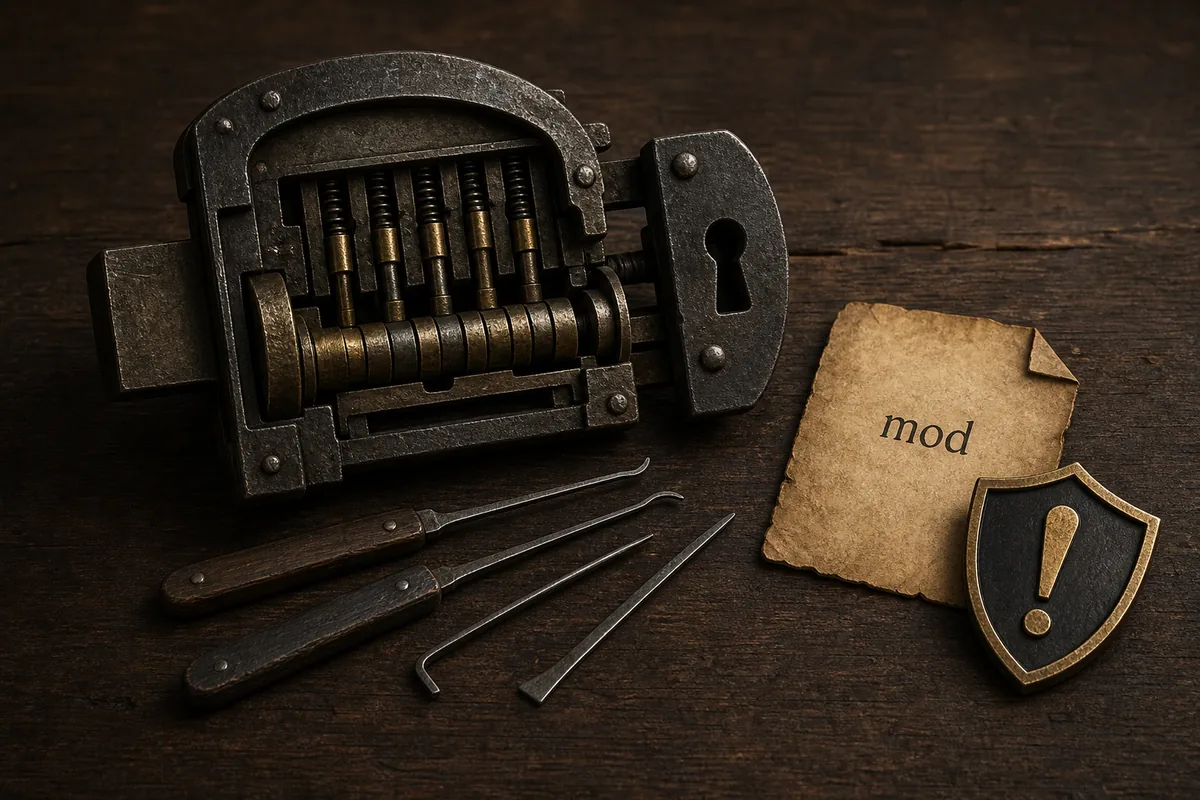
Short answer: choose the smallest change that solves your problem
For most players, the safest first step is not a full Gothic 1 Remake lockpicking mod. Try the browser solver when you are stuck on a specific chest, because it does not touch the game folder, saves, achievements, or mod loader. If you want the minigame to remain part of the run, look for a configurable hint or skill-scaling mod instead of an unlock-all file.
As of July 15, 2026, the visible Nexus options include Lockpick Settings, Unlock all (lockpick autoskip), Better Lockpicking Enhanced, and other skill or calculator-style tools. Treat the listed version, update date, requirements, posts, and bug reports as part of the decision. This page links to source pages, but it does not host files or claim that any download is official or risk-free.
Try the lock solver firstWhat a Gothic 1 Remake lockpicking mod can actually mean
Search results mix several different intents under one phrase. Some players want to remove the lockpicking minigame, some want more readable plate links, some want the lockpicking skill to matter more, and some only want a calculator for one chest. Those are not the same job, and installing the wrong kind of mod can make the game less satisfying than the vanilla system.
The most important distinction is permanence. A browser solver or standalone calculator is external help; it does not change game files. A hint mod changes how the minigame communicates information. A balance mod changes difficulty rules. An autoskip or unlock-all mod changes the core challenge. Decide which layer you want to alter before downloading anything.
Compare lockpicking mod options before you download
The current SERP is thin on decision help. Nexus pages tell you what a file does, PC Gamer explains the frustration, and Steam discussions show the debate, but few pages separate accessibility, cheating, balance, and troubleshooting. Use the table as a decision layer before you click through to a source page.
Version data changes quickly, so treat the dates below as a July 15, 2026 snapshot. Recheck the file page before installing, especially if a game patch has landed after that date.
| Option | Best for | Tradeoff | Snapshot evidence |
|---|---|---|---|
| Lockpick Settings | Players who want configurable hints, auto-pick behavior, or more accessibility. | Adds a modded layer; check requirements, posts, and compatibility. | Nexus top listing showed last update July 3, 2026 and a 72KB file. |
| Unlock all (lockpick autoskip) | Players who want the minigame removed for doors and chests. | Strongest change; may remove the intended lockpicking progression. | Nexus page showed version 3.1 and last update June 27, 2026. |
| Better Lockpicking Enhanced | Players who want skill level and chest value to affect lock complexity. | Still changes balance; test on a copy of your save. | Nexus file page showed version 5.1 and last update June 26, 2026. |
| Standalone calculator or browser solver | One chest, one puzzle, no game-folder changes. | You still need to map the lock state accurately. | This site and Nexus calculator-style results serve this intent. |
| No mod, train lockpicking | Players who want the vanilla progression and achievements untouched. | Slower and more expensive in lockpicks early on. | PC Gamer and guide SERPs describe training and lockpick conservation. |
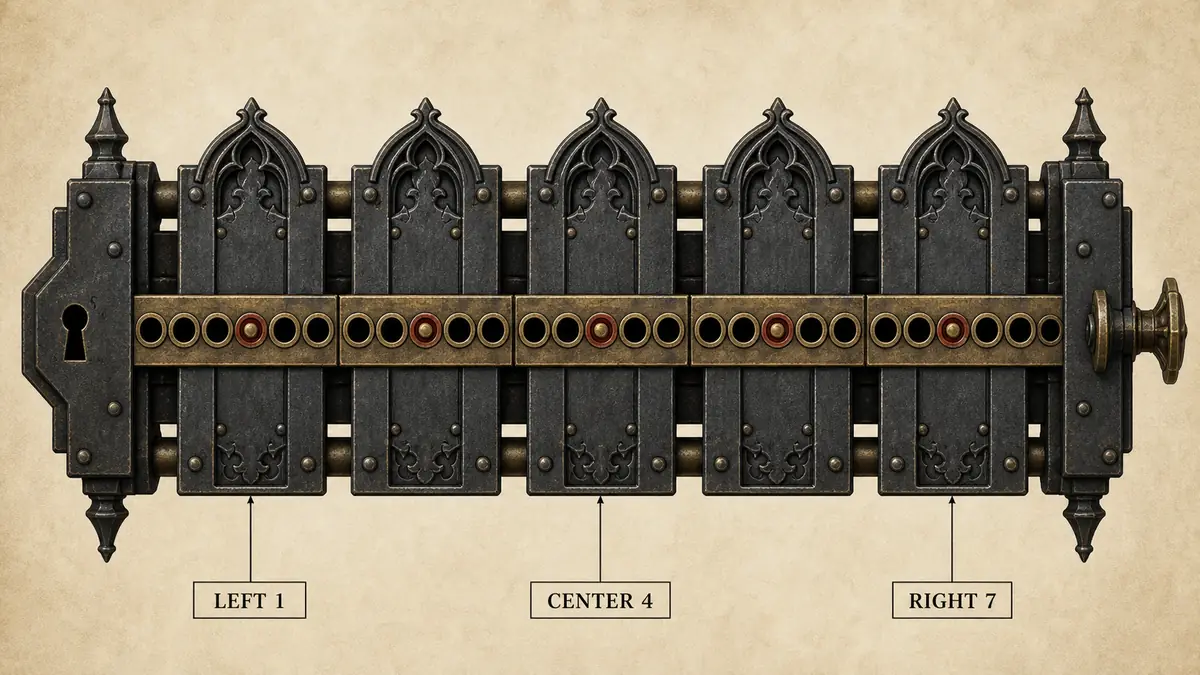
Check the source page like a patch note, not a banner ad
Do not judge a Gothic 1 Remake lockpicking mod only by endorsements or a short description. Read the file version, last update, requirements, posts, bug reports, and whether the author explains what the mod changes. A small configurable mod can still conflict with another mod that touches the same minigame.
Avoid copying community screenshots into your decision without context. A screenshot can show a feature, but it rarely tells you whether the file works with your game build, mod loader version, language pack, or save state. When a page says it needs UE4SS or another loader, follow that source page rather than a reposted summary.
| Check | Why it matters | Pass signal |
|---|---|---|
| File date | Game patches can break lock logic. | Updated after your current game build or confirmed compatible. |
| Requirements | Many Gothic Remake mods depend on a loader. | The author names the loader and install path clearly. |
| Posts and bugs | Recent comments reveal conflicts faster than descriptions. | No unresolved reports matching your setup. |
| Uninstall notes | Lock systems can touch save flow or progression. | The author explains how to revert or test safely. |
| Scope | Autoskip, hints, and balance are different changes. | The mod changes only the layer you actually want. |
If you cannot explain what the mod changes, do not install it on your main save.When the lock solver is safer than a mod
Use the solver when your problem is narrow: one chest, one plate layout, or one route that a guide does not cover. The solver models plate links and returns a shortest legal sequence, so it is useful when you want help without turning the whole minigame off.
A mod becomes more reasonable when the mechanic itself blocks your enjoyment across the entire run. Even then, pick the smallest change: hints before rebalance, rebalance before autoskip, and autoskip only when you intentionally want lockpicking removed from your playthrough.
| Situation | Better choice | Reason |
|---|---|---|
| One hard story chest | Solver | No install, no file changes, and the original mechanic stays intact. |
| You like puzzles but lose count | Hint/config mod | Keeps the interaction while reducing friction. |
| Skill points feel unrewarding | Skill-scaling mod | Targets balance instead of deleting the minigame. |
| You dislike every lock | Autoskip mod | Honest choice when the whole mechanic hurts the run. |
A conservative workflow before testing any lockpicking mod
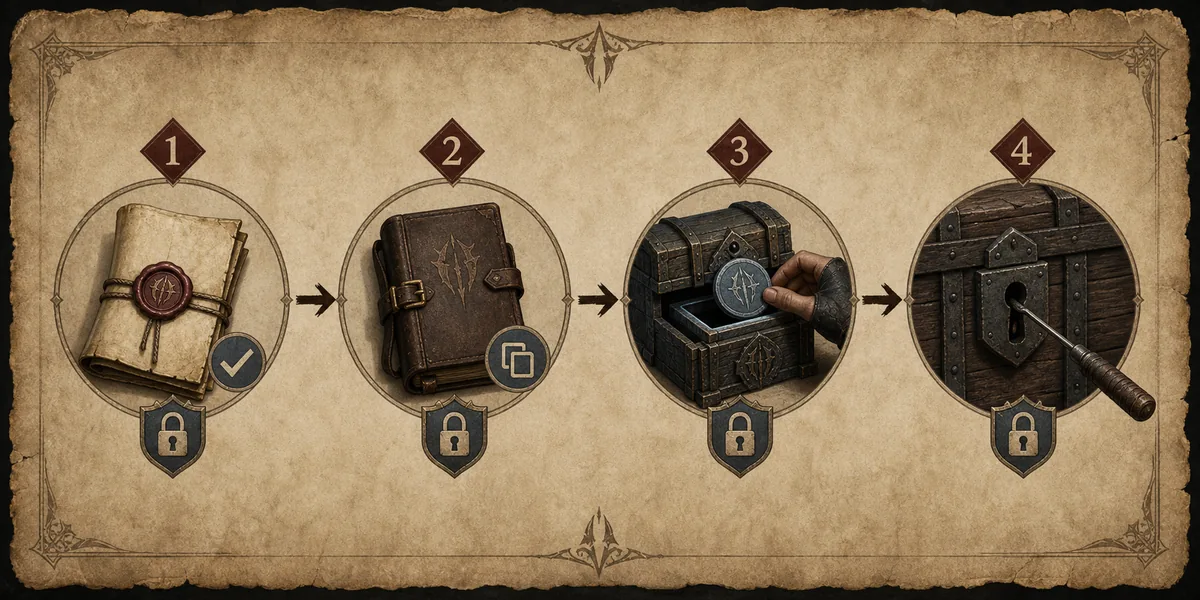
The page does not provide an installer because source pages change and third-party files need their own instructions. Instead, use a repeatable workflow: verify the official game page, open the current Nexus page, read requirements, back up your save, install only one lockpicking-related mod at a time, and test a low-value chest before touching quest-critical locks.
If the test lock behaves differently from the mod description, remove the file and restore the backup before adding another mod. Stacking multiple lockpicking changes makes bug reports almost impossible to interpret.
Gothic 1 Remake lockpicking mod FAQ
What is the best Gothic 1 Remake lockpicking mod?
There is no single best choice. Lockpick Settings suits players who want configurable help, Better Lockpicking Enhanced suits players who want skill-based balance, and autoskip mods suit players who intentionally want the minigame removed.
Is a Gothic 1 Remake lockpicking mod official?
No. The mods discussed here are third-party community files. Use the official Steam page for game verification and the original Nexus pages for file details.
Can I solve locks without installing a mod?
Yes. Use the browser solver or a calculator-style tool when you only need help with a specific lock. It avoids changing game files and keeps the vanilla system available.
Does an autoskip mod affect achievements?
Do not assume it does or does not. Check the current mod page and recent comments for your exact game build. This page does not make achievement-safety claims.
Should I install several lockpicking mods together?
Usually no. Test one change at a time. Mods that alter plate links, hints, skill scaling, or auto-pick behavior can overlap in ways that are hard to diagnose.
What should I check before downloading?
Check the file version, last update, requirements, bug reports, uninstall notes, and whether the author describes the exact lockpicking behavior changed by the mod.
Pick the least invasive fix for your run
A Gothic 1 Remake lockpicking mod is worth considering when the minigame keeps interrupting the kind of run you want. The safer decision is to choose the least invasive tool that solves the real problem: a solver for one lock, a hint mod for readability, a balance mod for progression, or autoskip only when you want the mechanic gone.
Recheck source pages before installing because mod versions, loader requirements, and compatibility notes move faster than static guides. Keep backups, test on a minor chest, and avoid treating any community file as official.
Sources and verification notes
- Gothic 1 Remake official Steam pageOfficial store context for publisher, developer, and game page verification.
- Nexus Mods Gothic 1 Remake top modsNexus listing used to compare current lockpicking mod options and update dates.
- Lockpick Settings on Nexus ModsNexus page for the configurable lockpicking mod; checked July 15, 2026.
- Unlock all lockpick autoskip on Nexus ModsNexus page for the auto-solver/autoskip mod; checked July 15, 2026.
- Better Lockpicking Enhanced on Nexus ModsNexus page for a skill-based lockpicking rework; checked July 15, 2026.
- PC Gamer lockpicking mods reportEditorial context on why lockpicking quality-of-life mods became popular.
- Steam Community lockpick mod discussionCommunity discussion showing the split between accessibility and challenge preferences.